
Leather Laptop Backpack: A Practical South African Buying Guide
A leather laptop backpack should do more than look professional. It must protect an expensive device, distribute weight comfortably and organise the small items that otherwise disappear at the bottom of a bag. When genuine Nguni hide is added to the design, pattern and South African character become part of that everyday function. Use this practical guide to compare size, padding, straps, construction and care before choosing a backpack for work, study or travel.
Measure the laptop first
Screen size is not the same as the laptop’s external size. Two devices sold as 15-inch laptops can have different widths and depths because of their bezels and body design. A leather laptop backpack should be checked against the closed device’s widest measurements, not only a screen-size label. Compare those numbers with the internal sleeve—not only the outside of the backpack.
Allow enough room for the device to slide in without forcing the zip, but avoid an oversized sleeve that lets it move around. If you use a protective laptop shell, include it in the measurement. Also check whether the opening is wide enough: an internal compartment can technically fit the laptop while a narrow top zip makes loading awkward.
What good laptop protection looks like
The best leather laptop backpack protects more than the face of the device. Padding should cover the front and back and provide some protection at the base. A suspended sleeve that stops slightly above the bottom of the backpack adds another buffer when the bag is put down. The laptop compartment should close securely so that the device cannot slide into the main storage area.
Remember that padding reduces usable space. Compare internal dimensions rather than assuming a large-looking bag will hold a large laptop. If the backpack will carry a charger, mouse, notebook and water bottle, each needs a sensible place that does not press a hard object directly against the screen.
The correct laptop compartment is measured, padded and stable. “One size fits most” is not enough information for a device you carry every day.
Straps and comfort matter more as weight increases
A leather laptop backpack can become heavy once a laptop, charger and daily essentials are added. Two adjustable shoulder straps should spread that load evenly. Wider straps generally distribute pressure better than narrow ones, while a shaped or lightly padded back panel can improve comfort during a longer commute.
Adjust the backpack so that it sits close to the back rather than hanging low. A loose bag shifts as you walk and places more leverage on the shoulders. If you often carry the backpack by hand, check the top handle and its attachment points. It should be reinforced for the full loaded weight, not treated as a decorative loop.
Leather and Nguni hide placement
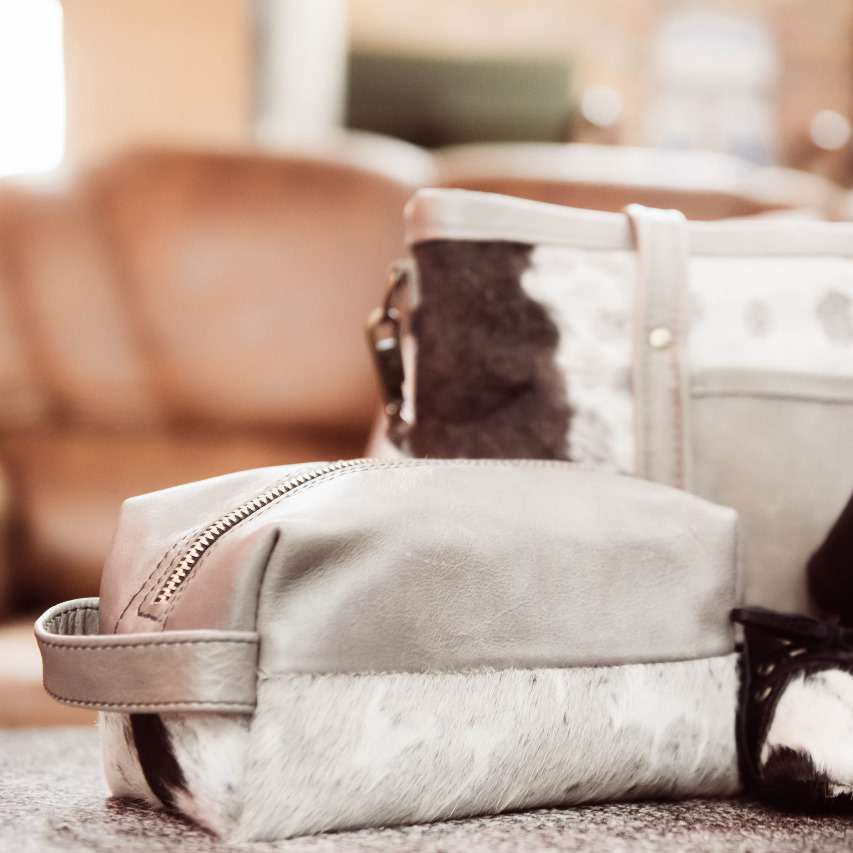
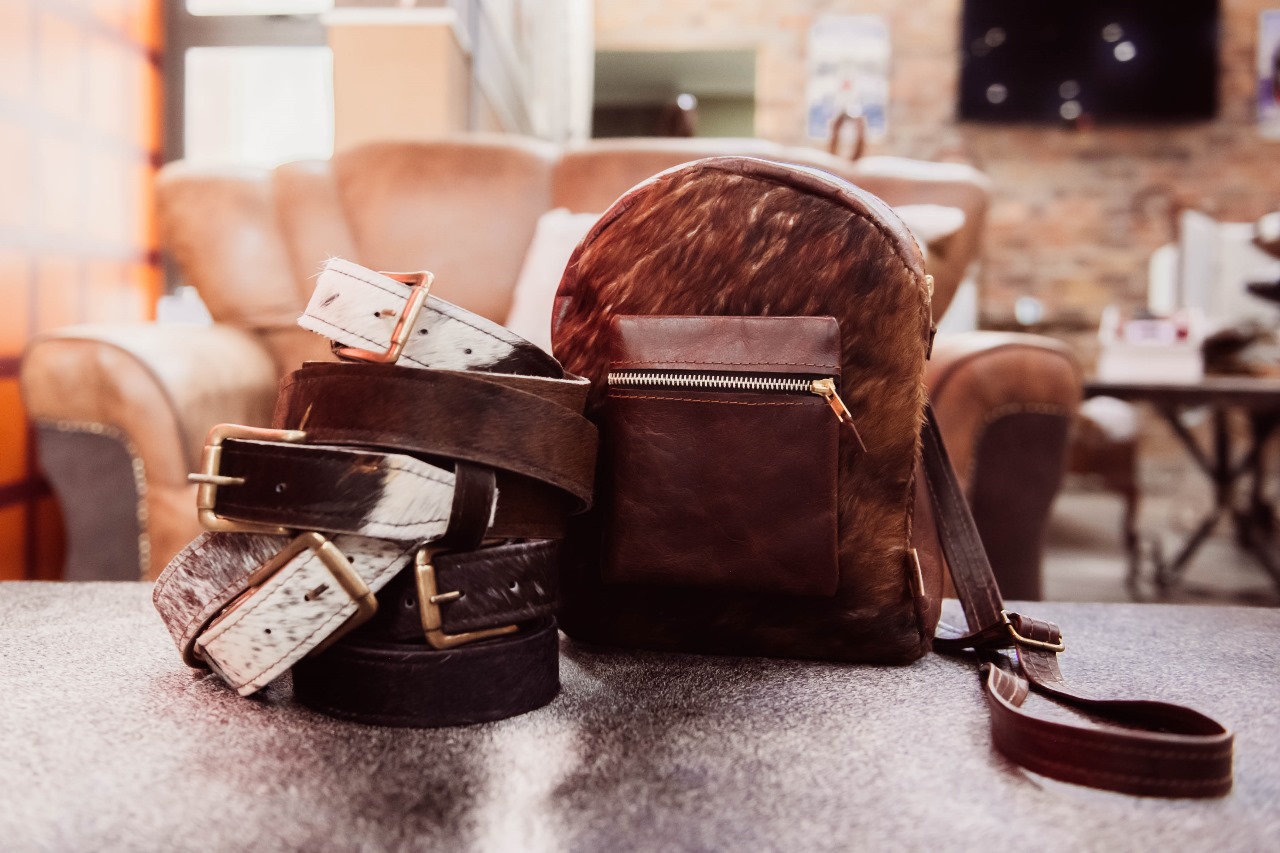
On a leather laptop backpack, structural smooth leather should support the base, straps, opening and stress points. Hair-on-hide is most effective as a feature panel where the pattern can be appreciated without absorbing constant friction. A thoughtful design protects the natural hair from the roughest contact while allowing the bag to retain its Nguni identity.
Look closely at the join between materials. Stitching should be even, edges should be finished neatly and corners should not expose weak gaps. Natural pattern variation is desirable; weak strap anchors, rough zip movement and cracked structural leather are not.
Choose compartments you will actually use
- Dedicated laptop sleeve: keeps the device separate and stable.
- Document space: prevents papers from folding around other objects.
- Small-item pocket: controls keys, cables, earbuds and access cards.
- Charger area: keeps the power brick away from the laptop screen.
- Quick-access pocket: useful for a phone or travel document, provided it closes securely.
- Bottle position: ideally separate from the device compartment in case of a leak.
More pockets are not automatically better. Too many narrow compartments add bulk and can make the interior confusing. A leather laptop backpack with a clear, usable layout is usually more practical than one filled with narrow pockets. Map your regular items to the bag before buying. If the design does not show the inside clearly, ask for interior photographs.
Check zips, hardware and the base
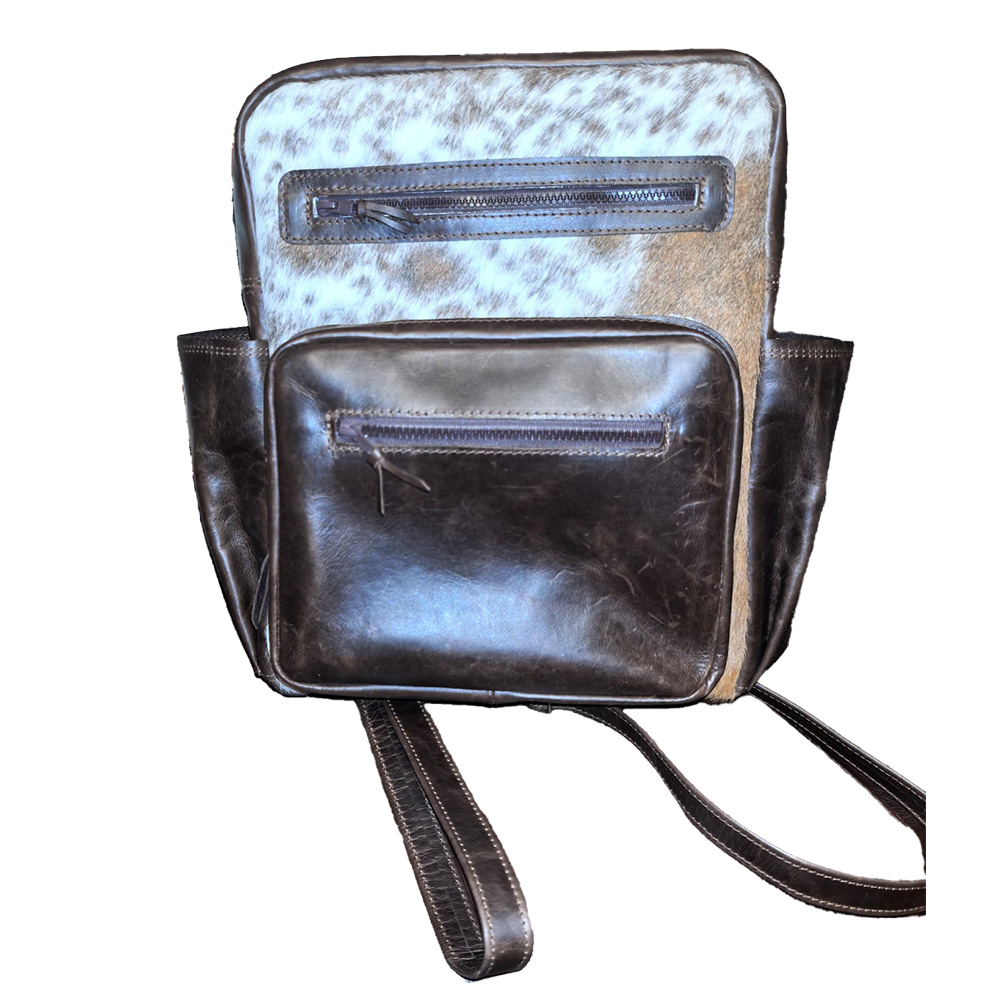
A leather laptop backpack needs a main zip that moves smoothly around corners without catching the lining. Metal fittings should feel secure and match across the bag. Examine the base carefully because it takes impact every time the backpack is put down. A structured or reinforced base helps protect the laptop and maintain the shape of the bag.
If the backpack includes decorative buckles, confirm whether they are functional or whether a hidden zip provides the real closure. For travel, a zip that can be kept close to the body generally offers more reassurance than an open flap or magnetic closure alone.
Backpack or traditional laptop bag?
A traditional Nguni laptop bag works well for short professional trips, easy access beside a desk and a more formal briefcase shape. A Nguni backpack is usually more comfortable when walking farther or carrying a heavier load because it uses both shoulders.
Your commute should decide. A leather laptop backpack is often more practical if you use public transport, walk across a campus or travel through airports. If you move from a car to a meeting room, a handled laptop bag may be ideal. Some people use both formats for different days rather than asking one bag to handle every situation.

Care for smooth leather and hair-on-hide separately
Remove loose dust with a soft cloth and empty crumbs or grit from the interior. Store the backpack upright and lightly supported so that its shape does not collapse. Keep it away from prolonged direct sunlight, damp rooms and heaters. If it becomes wet, blot the surface and let it dry naturally before packing it away.
Use a soft brush on hair-on-hide panels, moving in the direction of the hair. Do not soak them or cover them in smooth-leather conditioner. For the smooth leather, use only a suitable cleaner or conditioner after testing a hidden area. The product maker’s advice should take priority because tanning and finishing methods differ. For more detail on protecting this natural surface, consult this hair-on-hide maintenance guide.
A pre-purchase checklist
Use this checklist to compare each leather laptop backpack against the same practical requirements before allowing colour or pattern to decide.
- Measure your laptop with any protective case fitted.
- Confirm the internal sleeve and opening dimensions.
- Check padding at the front, back and base.
- List the charger, documents and accessories you carry.
- Inspect strap width, adjustment and attachment.
- Look for a reinforced base and dependable main closure.
- Confirm whether the Nguni pattern shown is the exact bag.
- Read the delivery, returns and care information.
Frequently asked questions
What size leather laptop backpack do I need?
Measure the closed laptop’s width, height and depth, then compare those numbers with the internal sleeve and the opening. Do not rely on screen size alone.
Is a leather backpack safe for a laptop?
It can be, provided the backpack has a stable padded compartment, protection at the base and a closure that keeps the device from moving around.
Is Nguni hair-on-hide practical on a work backpack?
Yes when it is used as a feature panel and supported by smooth leather at stress points. Avoid placing the hair-on-hide where it will experience constant harsh rubbing.
Should I choose a backpack or a shoulder laptop bag?
A backpack distributes heavier loads more evenly for walking and travel. A shoulder bag can offer quicker access and a more traditional professional profile for shorter trips.
Choose a backpack around your real working day
A good leather laptop backpack fits the device, protects it at the edges and base, carries comfortably and keeps essential items organised. Before ordering a leather laptop backpack, measure carefully and inspect the structural details. Nguni hide should add natural character without weakening those fundamentals, so choose the pattern only after the practical requirements are met.