
Leather Laptop Backpack South Africa: 9 Smart Buying Checks
Contents
A leather laptop backpack South Africa shoppers can use every day should protect technology, sit comfortably and suit the journeys it will actually make. A beautiful hide panel matters, but so do the padded compartment, zip quality, strap construction, capacity and finish. These nine checks will help you compare a genuine Nguni backpack with ordinary fashion bags, choose the right size for your device and plan sensible care from the first commute.
Why a leather laptop backpack South Africa buyers choose needs careful comparison
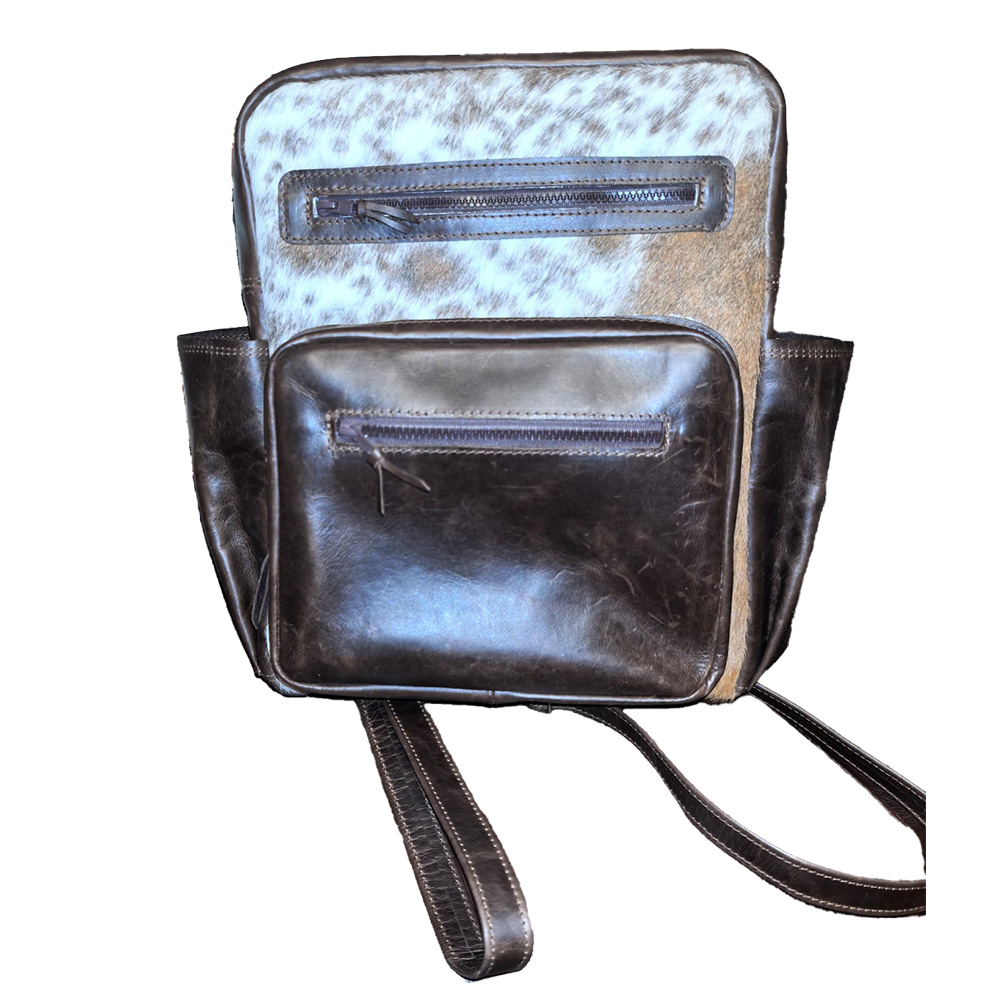
A laptop backpack carries concentrated weight and delicate equipment. Start with your device dimensions, charger, notebook and daily extras rather than choosing on looks alone. The Home of Nguni backpack combines leather with individual Nguni markings, while the Nguni laptop bag offers a different carry format for buyers who prefer a more traditional case.
Leather is a natural material whose character changes with use. The Leather Working Group explains industry efforts around responsible leather manufacturing. For a finished bag, evaluate the exact product, maker guidance and construction rather than assuming that every item labelled leather will perform in the same way.
1. Measure the laptop compartment, not only the screen
Screen size is a diagonal marketing measurement, not the complete width and depth of a laptop. Measure the closed device and compare those figures with the internal compartment. Allow enough room for smooth insertion, but avoid a loose cavity that lets the laptop slide or strike the base. If you use a hard shell, include it in the measurement before choosing a leather laptop backpack South Africa delivery cannot easily exchange.
2. Check padding on every vulnerable side
Look for padding at the front, back and base of the compartment. A raised or reinforced floor helps keep the device away from the ground when the bag is placed down. Padding should protect without pressing hard on the screen. Keep keys, plugs and metal accessories in separate pockets so they cannot scratch the laptop or force pressure points through the divider.
3. Choose straps for the real daily load
Load the bag with a laptop, charger, water bottle and the heaviest normal work items before judging comfort. Wide, adjustable shoulder straps spread weight more evenly than narrow straps, while a stable back panel helps the bag sit close to the body. If the straps twist, slip or pull at their attachment points when full, the design may become uncomfortable on a longer walk.
- Adjust both shoulder straps to the same working length.
- Check stitching where each strap joins the bag.
- Keep the heaviest item close to your back.
- Avoid carrying unnecessary loose weight every day.
- Use both straps rather than hanging the bag from one shoulder.
4. Inspect zips, buckles, seams and handles
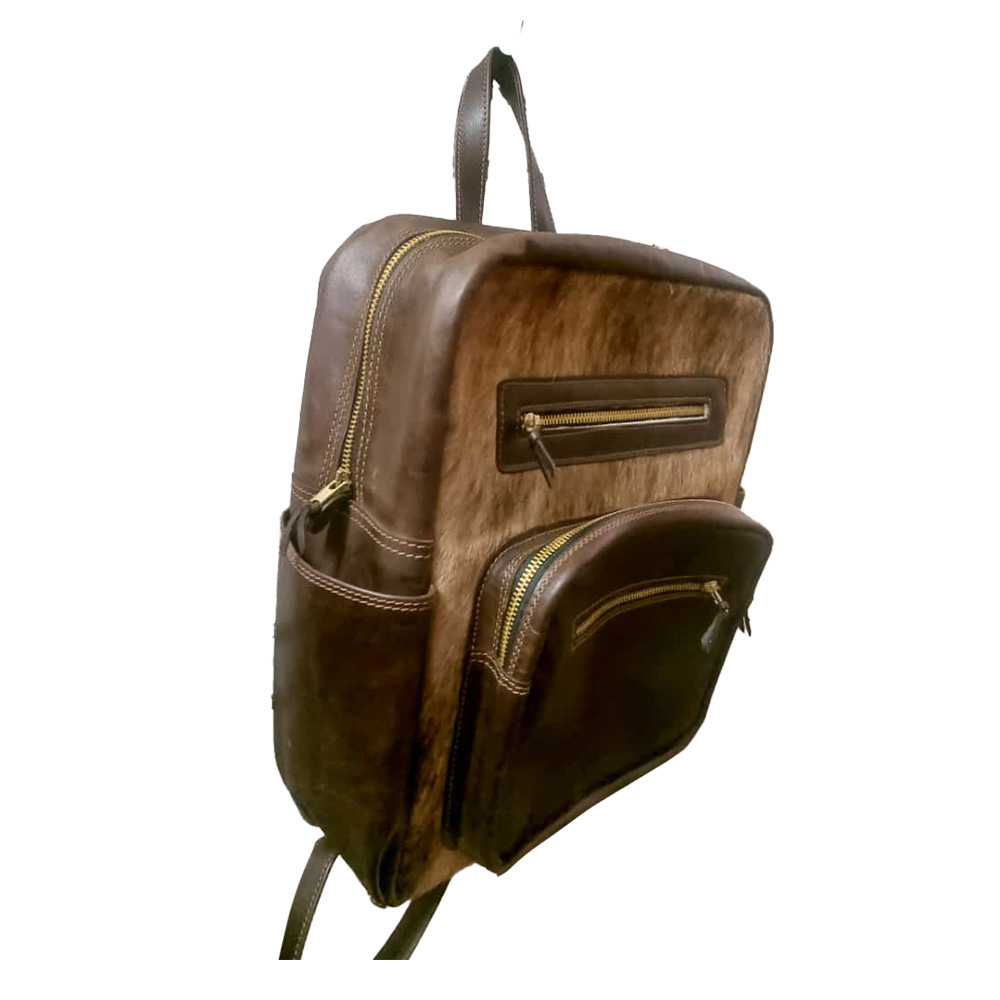
Open and close every zip around the corners. Teeth should align, sliders should move cleanly and fabric should not catch. Tug gently at handles, buckles and strap anchors to identify loose movement. Neat edge finishing and consistent stitching are practical quality signals. Hardware does not need to feel heavy, but it should feel secure and appropriate for the load.
5. Decide how much organisation you genuinely need
More pockets are not automatically better. A useful leather laptop backpack South Africa professionals carry might need one protected device section, one document area, a secure small-item pocket and space for a charger. Too many narrow dividers reduce usable volume. Pack a trial layout at home so the laptop, cables, sunglasses and personal items each have a safe, repeatable place.
6. Understand the individual Nguni pattern
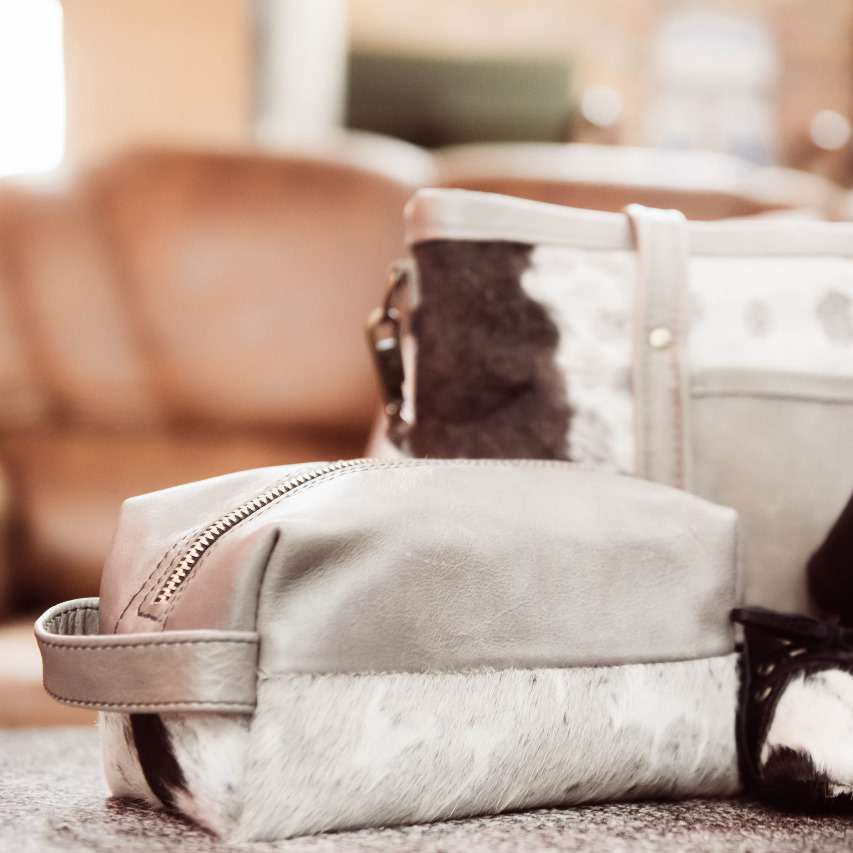
Hair-on-hide panels are naturally variable. Ask whether the photograph represents the exact piece and check where the pattern falls around seams, handles and pockets. Black-and-white markings feel graphic, while brown, brindle and mixed tones read warmer. The guide to choosing a genuine Nguni hide explains why natural pattern differences are part of the material rather than a defect.
7. Match the bag to commuting and travel conditions
A backpack used mainly between a car and office faces different wear from one used on public transport, flights or long walks. Consider opening security, access while standing, rain exposure and whether the bag must fit beneath a seat. Natural leather and hair-on-hide should not be treated as fully waterproof. Use a separate sleeve or cover when weather exposure is likely.
8. Test the empty weight before buying
Leather can be heavier than synthetic fabric before the laptop is added. Compare the empty bag weight with the strength and structure you need. A lighter product is not necessarily weaker, and a heavier one is not automatically better. The right balance lets the bag hold its shape and protect the device without making a normal working day unnecessarily tiring.
9. Plan routine care from the first week
Dust hair-on-hide gently in the hair direction and wipe smooth leather only according to the maker’s care advice. Keep the backpack away from prolonged direct sunlight, heaters and damp storage. Do not experiment with household polish on a natural panel. Our guide on how to care for a cowhide bag provides a fuller maintenance routine.
Leather laptop backpack comparison checklist
| Check | What to measure or test | Why it matters |
|---|---|---|
| Device fit | Closed laptop width, height and depth | Prevents movement and forced pressure |
| Protection | Padding at front, back and base | Reduces everyday knocks |
| Comfort | Loaded straps and back panel | Supports longer commutes |
| Organisation | Pockets for real daily items | Keeps hard accessories away from the device |
| Material | Exact Nguni pattern and leather finish | Confirms the piece you expect |
| Hardware | Zips, buckles and anchor stitching | Protects the bag under repeated load |
Pack a leather laptop backpack so it carries well
Place the laptop in its protected compartment closest to your back. Put the charger low and central in a separate pouch, then distribute smaller items evenly. Keep a water bottle upright and isolated from electronics. A simple packing system reduces shifting, makes security checks easier and prevents plugs or keys from pressing against the device.
Empty the bag once a week. Remove receipts, loose cables and unnecessary weight, check seams and brush away dust before it works into the surface. This quick habit helps a leather laptop backpack South Africa commuters use daily retain its shape and remain comfortable.
- Measure the actual laptop, including its case.
- Confirm padding and base protection.
- Test comfort with a realistic load.
- Check every zip, seam and strap anchor.
- Choose useful organisation instead of maximum pocket count.
- Confirm the exact natural pattern where possible.
- Follow product-specific leather and hide care guidance.

Frequently asked questions
What size laptop fits a leather backpack?
Use the maker’s internal compartment dimensions and compare them with the closed laptop, including any protective shell. Screen size alone is not enough.
Is a leather laptop backpack waterproof?
Natural leather and hair-on-hide should not be assumed waterproof. Protect the bag from heavy rain and follow the maker’s care instructions.
Can a Nguni backpack be used for air travel?
It may be suitable if its loaded dimensions meet the airline’s current cabin rules. Check the airline directly before each trip.
How should the laptop be packed?
Place it in the padded compartment closest to your back and keep chargers, keys and liquids in separate sections.
How often should a leather laptop backpack be cleaned?
Remove loose dust regularly and inspect it weekly. Use only care methods recommended for the exact smooth-leather and hair-on-hide surfaces.
Choose protection first and the Nguni pattern second
A leather laptop backpack South Africa buyers can rely on begins with correct device measurements, balanced padding, strong hardware and comfortable loaded straps. Once those essentials are right, choose the individual Nguni pattern and organisation that suit your routine. A careful comparison now will protect both the laptop and the natural character of the bag for many commutes to come.